
Make the agents and MCP servers IT does not know about visible.
Employees connect their own agents and external MCP servers to the company network. AvertGate records every connection that passes through the gateway, flags the unregistered ones and shows what each can do.
 Slack · unregistered MCP server awaiting approval
 GitHub · new agent identity seen
 Postgres · read request from an unknown server
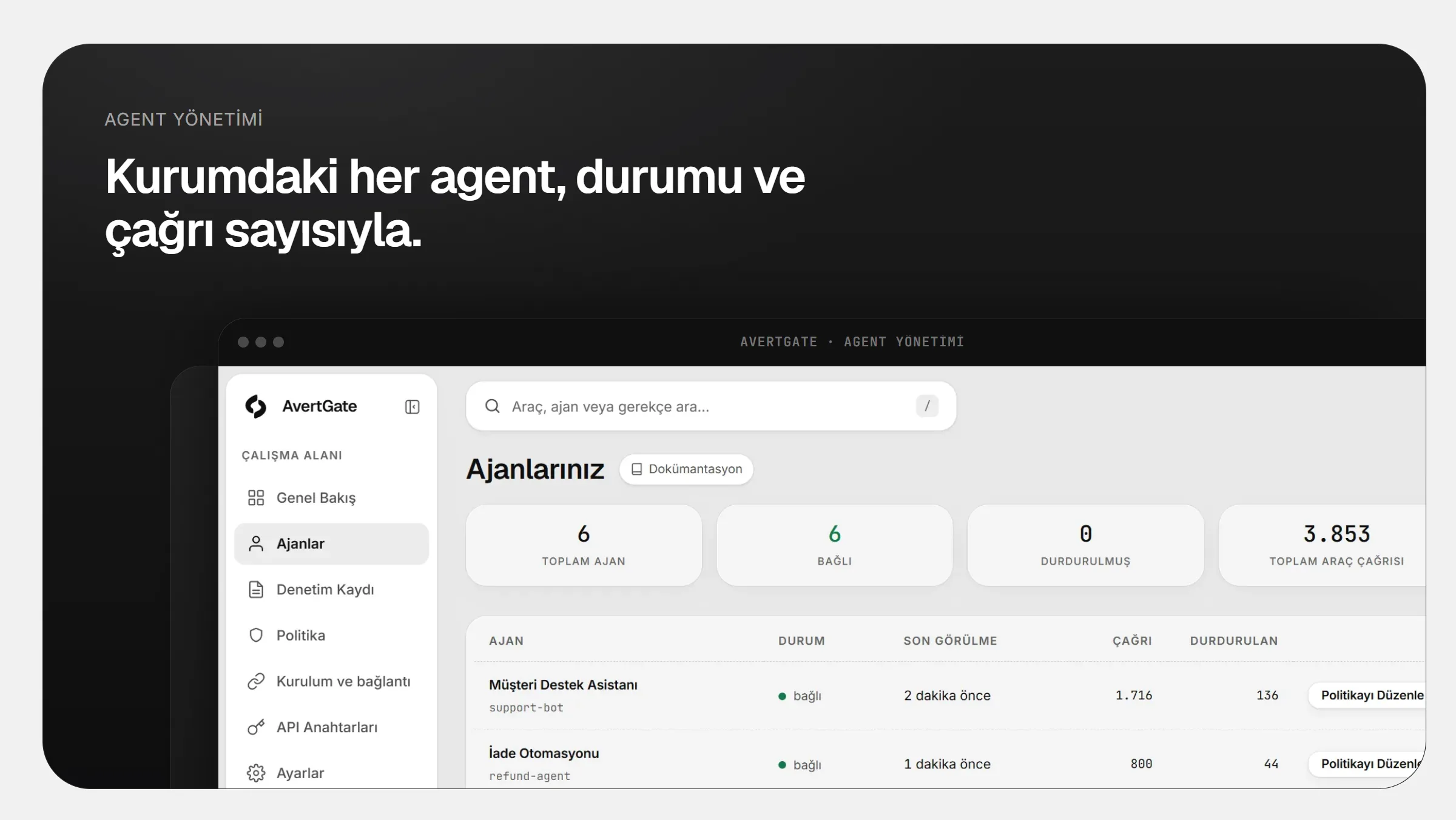
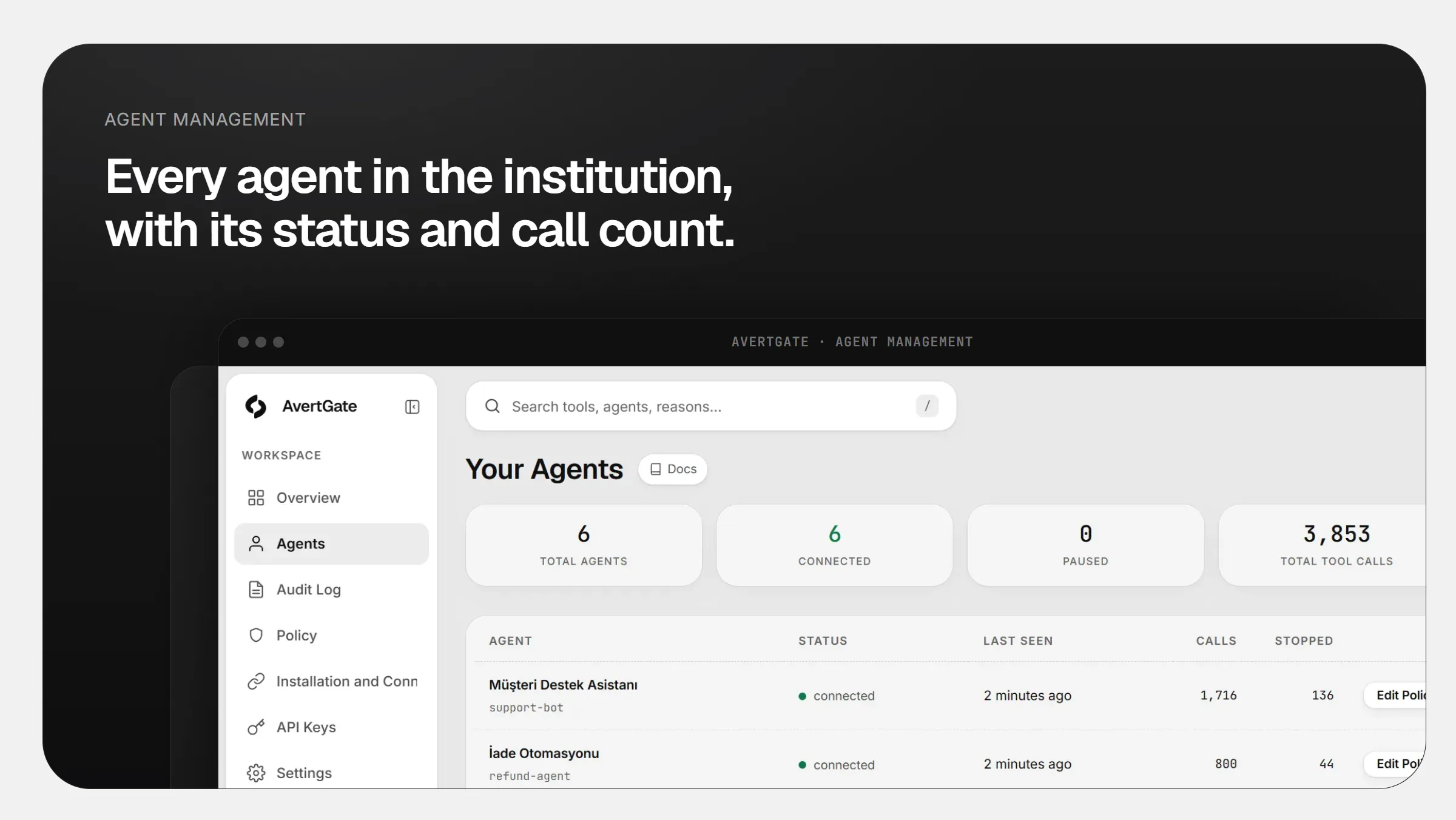
Collects the tools agents and MCP servers connect to into one inventory
GitHubSlack Cursor
 Claude
 VS Code
 Notion
 Linear
 Jira
See which agent connects to which server in a single list.
Every connection through the gateway reveals an agent identity and an MCP server. Unregistered ones are flagged separately.
- Agent and server inventory builds itself
- Unregistered connections are flagged
- You see which tools each agent calls
- Registered agent: support-assistantPolicy appliedProtected
- Developer agent: code-helperPolicy appliedProtected
- New MCP server seenNot registeredFlagged
- Data sent to an external serverStopped by policyStopped
An unknown server waits until you decide.
A tool or server that is not listed does not run. When a new connection appears, a manager approves it, binds it to policy or blocks it.
- A server that is not listed does not run
- An approved server is bound to policy
- A blocked server cannot connect again

Let every new connection go on record.
Which agent connected to which server and when is kept in the audit trail. You show auditors the inventory as records, not screenshots.
- Every connection on record with a timestamp
- The record chain cannot be altered afterwards
- Approval decisions are logged too
#ajan-envanteriAvertGateAPP14:02
An unregistered MCP server was used for the first time.
- Serverdis-mcp.ornek.com
- Agentkod-yardimcisi
Waiting for approval. If rejected, the connection is not made.
- ~4.2 msAverage added latency
- 100%Local isolation: data stays on your network
- ZeroChanges to agent code
Frequently asked
Does it find every agent on the network?
AvertGate sees the connections that pass through the gateway. Traffic that bypasses the gateway needs egress routed through it; that is how discovery coverage grows.
Is our data sent to AvertGate?
No. The gateway runs on your network. Tool arguments, results and file contents never leave it; only redacted event data reaches the dashboard.
Do we have to change agent code?
No. The agent connects to AvertGate instead of the tool server; only the connection address changes. If the tool call path runs over MCP or HTTP, the same policy applies.

Take your agents to production with confidence.
Every rollout starts with a demo and a POC on your own agents.