
Let your Copilot assistants reach the right files, with the right people.
Assistants you build with Copilot Studio act on SharePoint, Teams and email. AvertGate draws the limits of those actions so sharing and sending stay under control.
 SharePoint · file read
 Email · external recipient sent for approval
 Waiting for approval in Slack
Runs in front of the work tools Copilot assistants reach
Microsoft Copilot
 File storesEmail
 Salesforce
 Jira
 NotionSlack
 Intercom
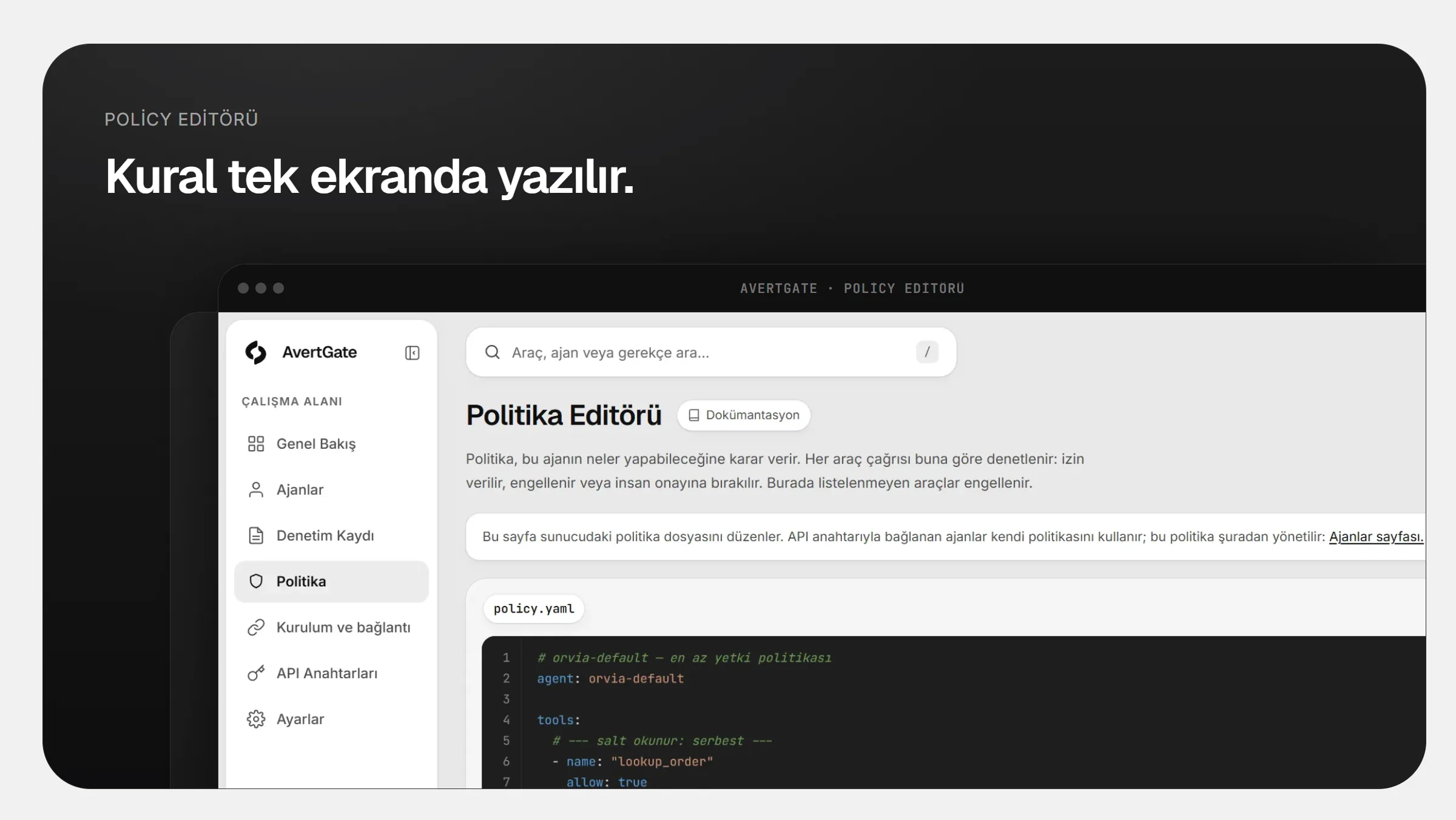
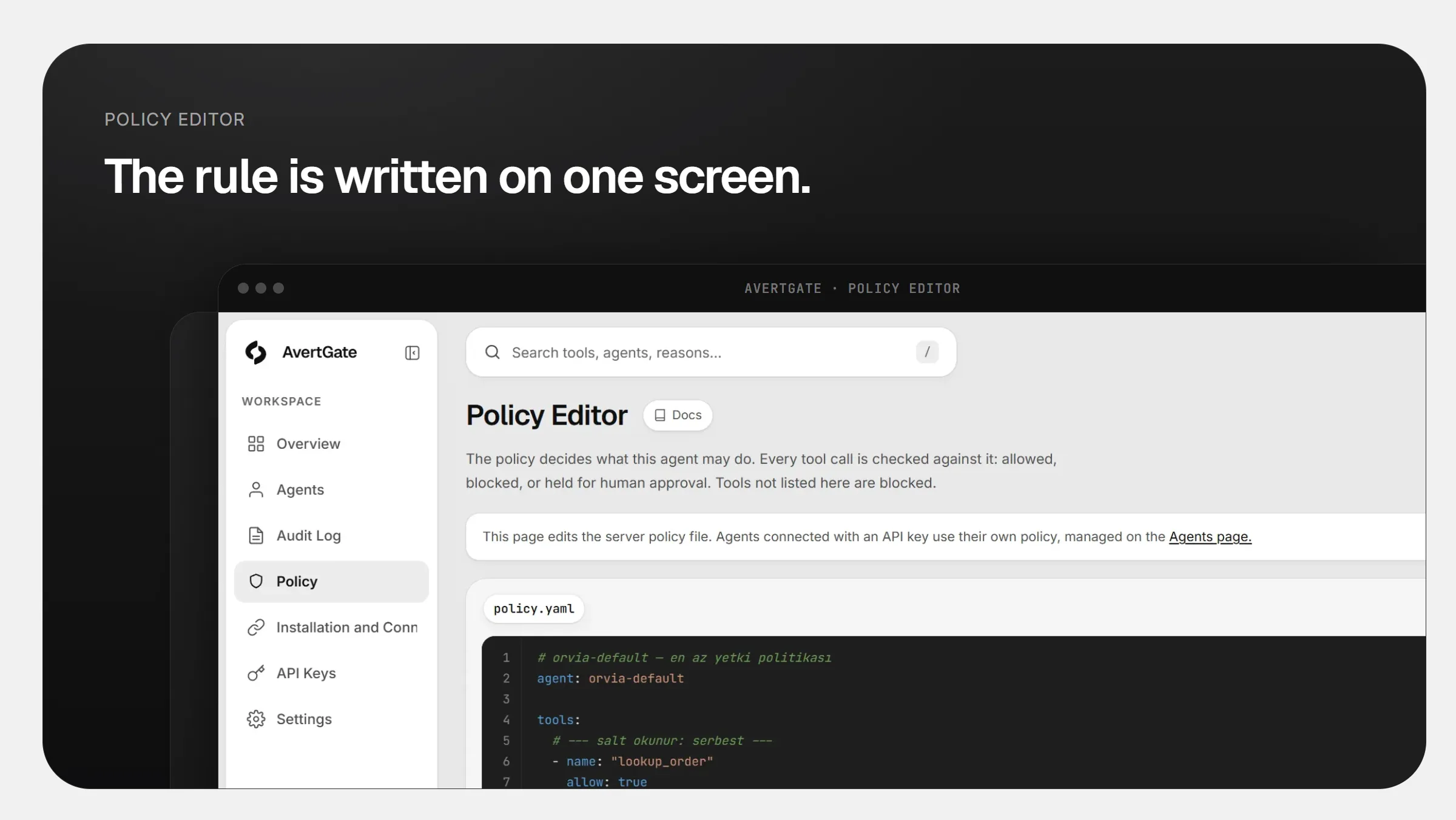
Make what Copilot can do a clear list.
Reading files, sharing, sending messages and email. A rule is written for each action; an action that is not listed does not run.
- Internal sharing is open, external sharing needs approval
- Bulk download and deletion are controlled
- Permission changes are put to a person
dosya_okuOpendosyayi_disariyla_paylasIn approvaltum_belgeleri_silDisabled
Keep incoming email from steering Copilot.
A document from outside can try to rewrite the assistant’s instructions. AvertGate scans the content before it reaches the agent.
- Hidden instructions and code patterns are caught
- Later actions of a suspicious session are restricted
- Every finding in the audit log

- Customer requestClean contentPassed on
- “Ignore previous instructions”Contained a hidden instructionFlagged
- Invoice PDFClean contentPassed on
Your team has the final say on critical sends.
An email to an external recipient or a bulk share lands with the right manager as an approval message.
- The approval message goes to the right person
- The action waits until a reply arrives
- The decision and who made it are on record
#copilot-approvalsAvertGateAPP14:02
Copilot wants to share a file with an external recipient.
- FileQ3-pricing.xlsx
- Recipient[email protected]
Waiting for approval. Nothing is shared until a reply arrives.
- ~4.2 msAverage added latency
- 100%Local isolation: data stays on your network
- ZeroChanges to agent code
Frequently asked
Does it connect to M365 Copilot itself?
AvertGate sits on the assistant’s tool call path. Tools called through MCP or HTTP connectors in Copilot Studio are routed through AvertGate.
Is our data sent to AvertGate?
No. The gateway runs on your network. Tool arguments, results and file contents never leave it; only redacted event data reaches the dashboard.
Do we have to change agent code?
No. The agent connects to AvertGate instead of the tool server; only the connection address changes. If the tool call path runs over MCP or HTTP, the same policy applies.
Take your agents to production with confidence.
Every rollout starts with a demo and a POC on your own agents.