
On critical decisions your team has the last word, right in Slack.
When an agent asks for something like moving money, an external send or a production release, an approval message lands with the right manager in Slack. The action waits until a reply arrives.
 Slack · refund approval pending
 Stripe · action above 500 TRY
 GitHub · production deploy request
Approvals happen where your team already works
SlackStripeGitHub Jira
 Linear
 PostgreSQL
 AWS
 Gmail
The manager sees what will happen in one message.
Which agent, which tool, which amount or recipient. The message summarizes the reason and arguments to make the decision easy.
- Approve and Reject buttons inside the message
- Sensitive fields appear masked
- On timeout the action does not run
#agent-approvalsAvertGateAPP14:02
support-agent wants to issue a 750 TRY refund.
- Agentsupport-agent
- Amount750 TRY
- CustomerID …4821
Elif T. approved. Refund completed.
You decide what goes to approval.
Thresholds, recipient domains and tool types are written in policy. Small actions keep flowing while big ones are asked about.
- Automatic or approved depending on the amount threshold
- Sends to external domains need approval
- The policy is a single YAML file

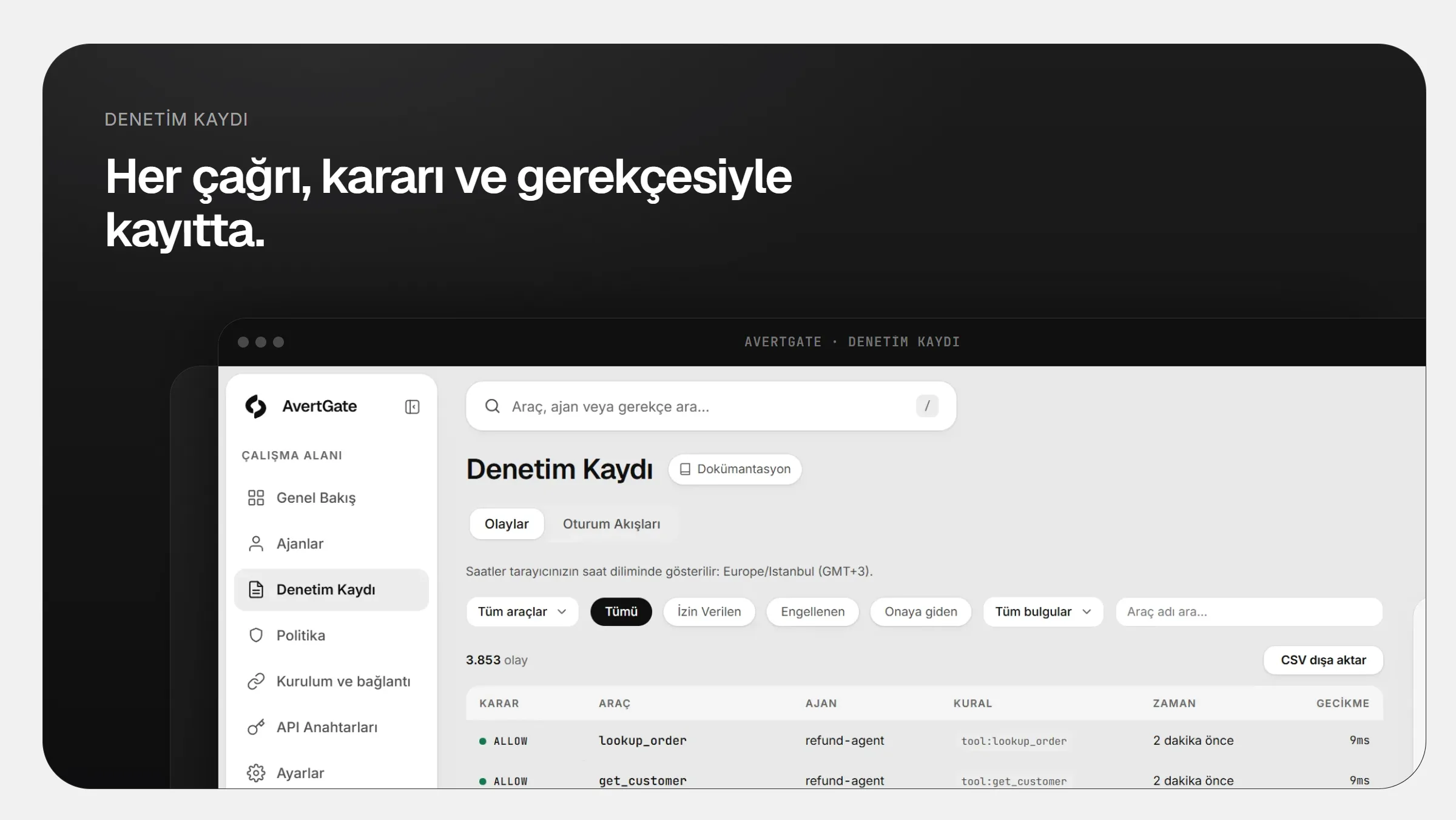
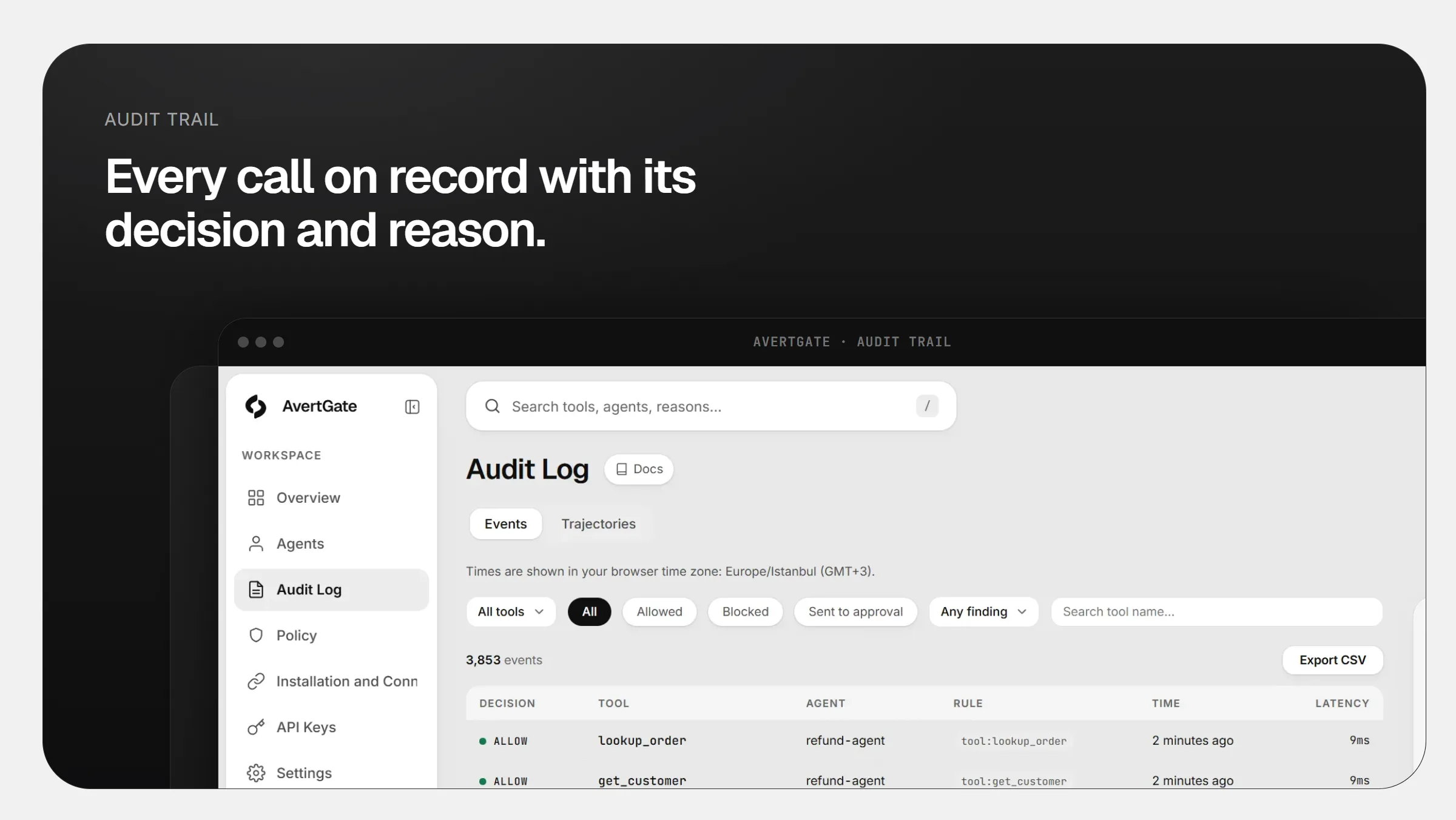
Every approval is a record ready for the auditor.
Who approved or rejected what, and when. The decision is written to the same record chain as the action itself.
- Decision-maker and timestamp on record
- Tamper-evident with a SHA-256 chain
- Ready for export and review
e19b…4a025c70…bb1398ad…f6c7- ~4.2 msAverage added latency
- 100%Local isolation: data stays on your network
- ZeroChanges to agent code
Frequently asked
What happens if no approval arrives?
The action does not run. When time runs out the agent is told the action was declined and the event is recorded.
Who can approve?
The person or channel you define in policy. The decision-maker always appears in the record.
Is our data sent to AvertGate?
No. The gateway runs on your network. Tool arguments, results and file contents never leave it; only redacted event data reaches the dashboard.

Take your agents to production with confidence.
Every rollout starts with a demo and a POC on your own agents.